SDN 3 作业2-2
更新于 2026.11.19下载原始 Markdown ↓
SDN 3 作业2-2
虚拟机
【测试0.1】Ubuntu_20.04_sdn_ovs_2.17.8-LTS-fix1 ,建议虚拟机内存多分2G,不然容易KILLED
找个IDEA构建(IF U NEED 最新的?)
下一个这个:
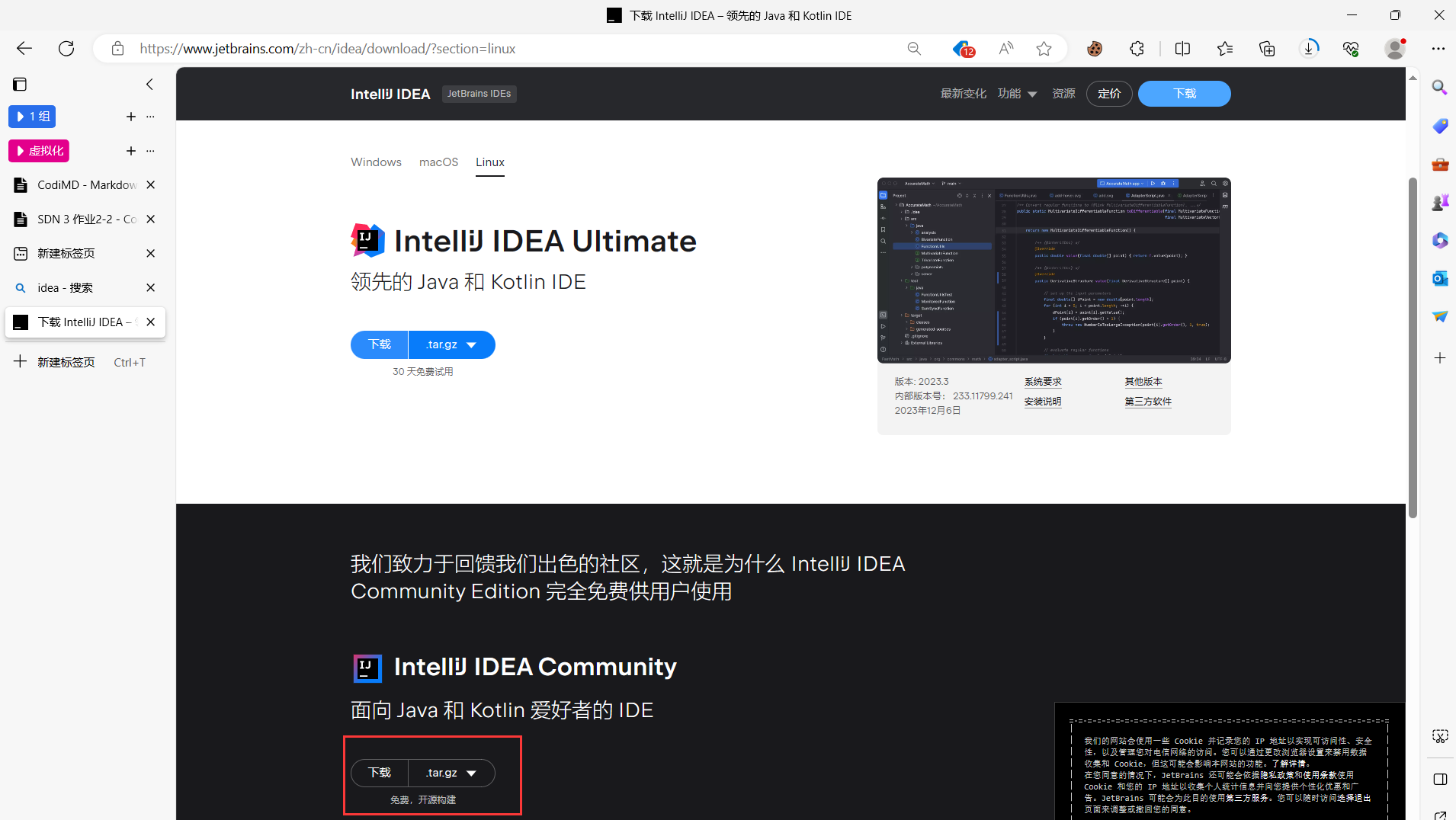
https://www.jetbrains.com/zh-cn/idea/download/?section=linux
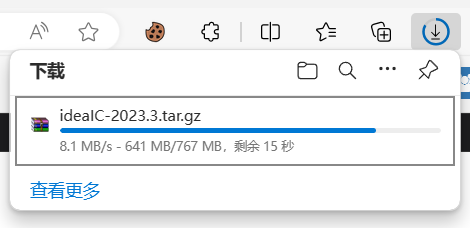
然后把这个文件塞虚拟机里
推荐Filezilla (查看ip:ip addr)
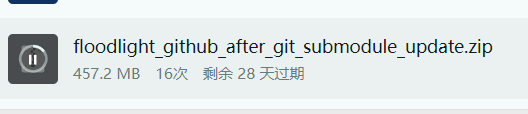
基本环境
# 把俩文件复制到桌面上
su
mv ./Desktop/ideaIC-2023.3.tar.gz ./
mv ./Desktop/ ./
tar -zxvf ideaIC-2023.3.tar.gz
unzip floodlight_github_after_git_submodule_update.zip
chmod -R 777 floodlight
chmod -R 777 floodlight/*
#装点基本的
apt update
apt install git build-essential ant maven python-dev openjfx -y
apt install maven ant -y
apt install openjdk-8-jdk -y
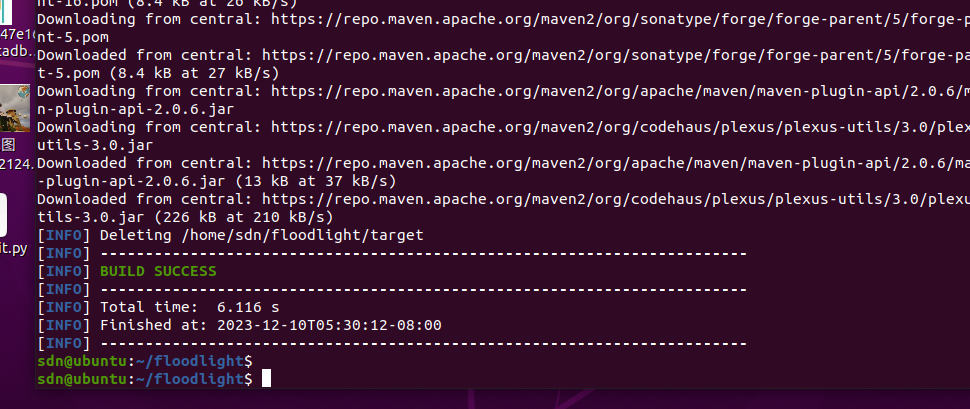
MVN CLEAN:
cd floodlight
mvn clean
开idea
进入idea-C-xxx/bin
# 普通用户即可
./idea.sh
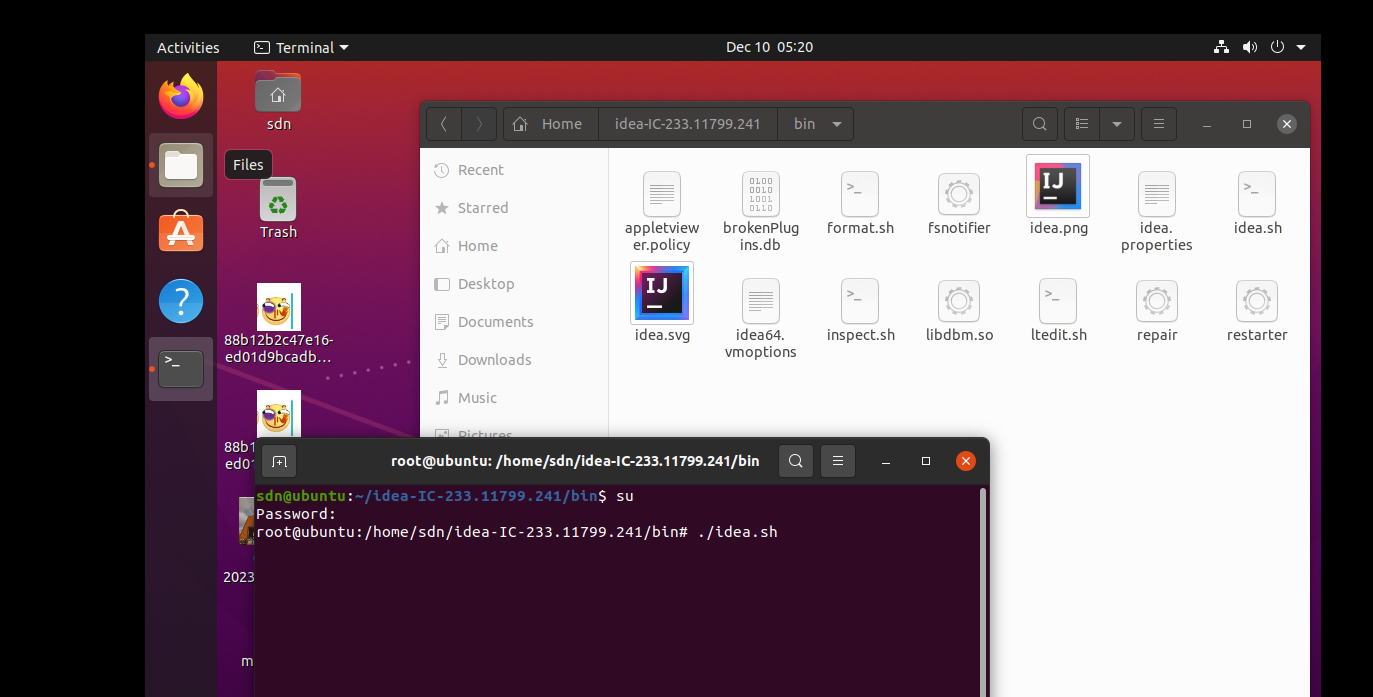
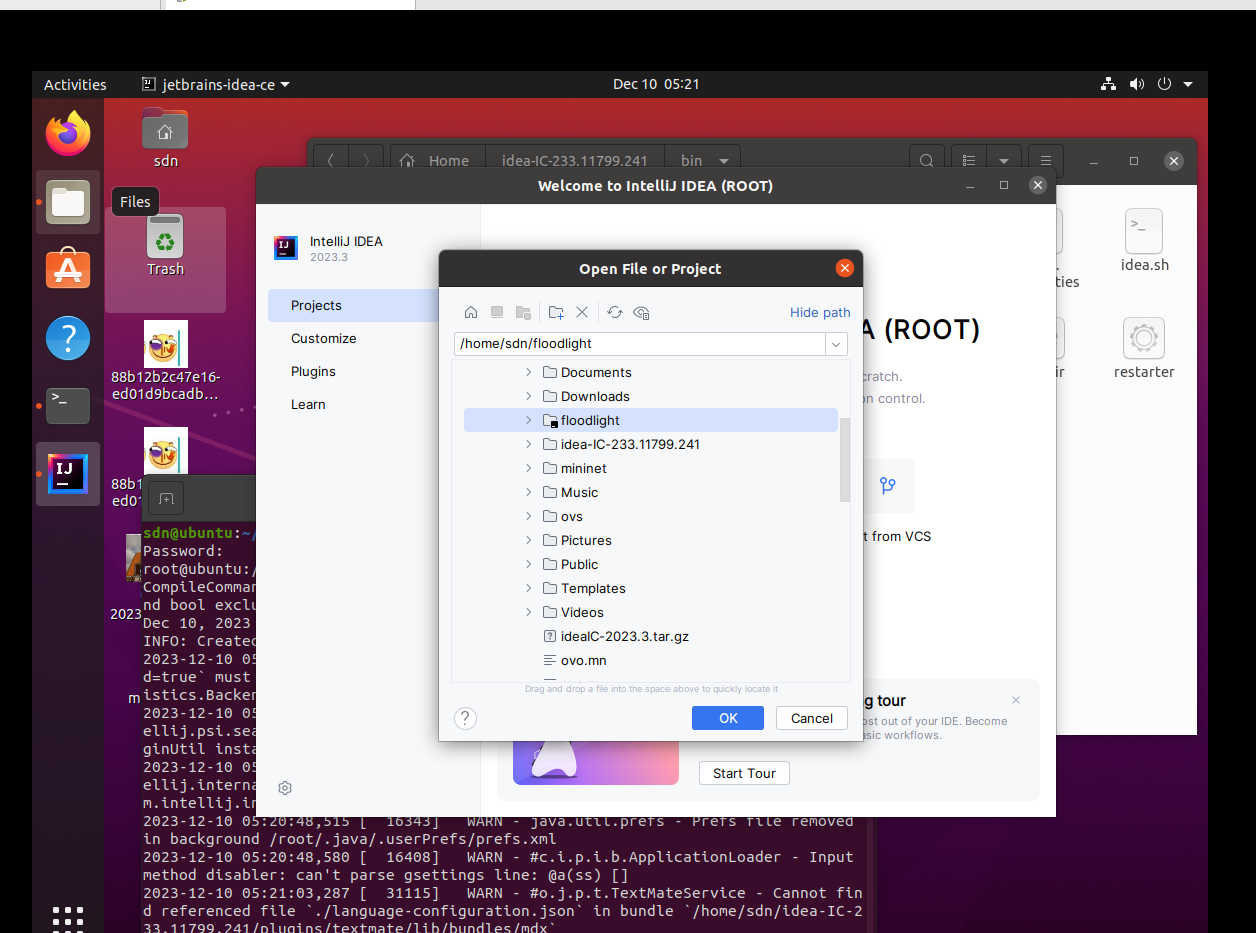
选择文件:
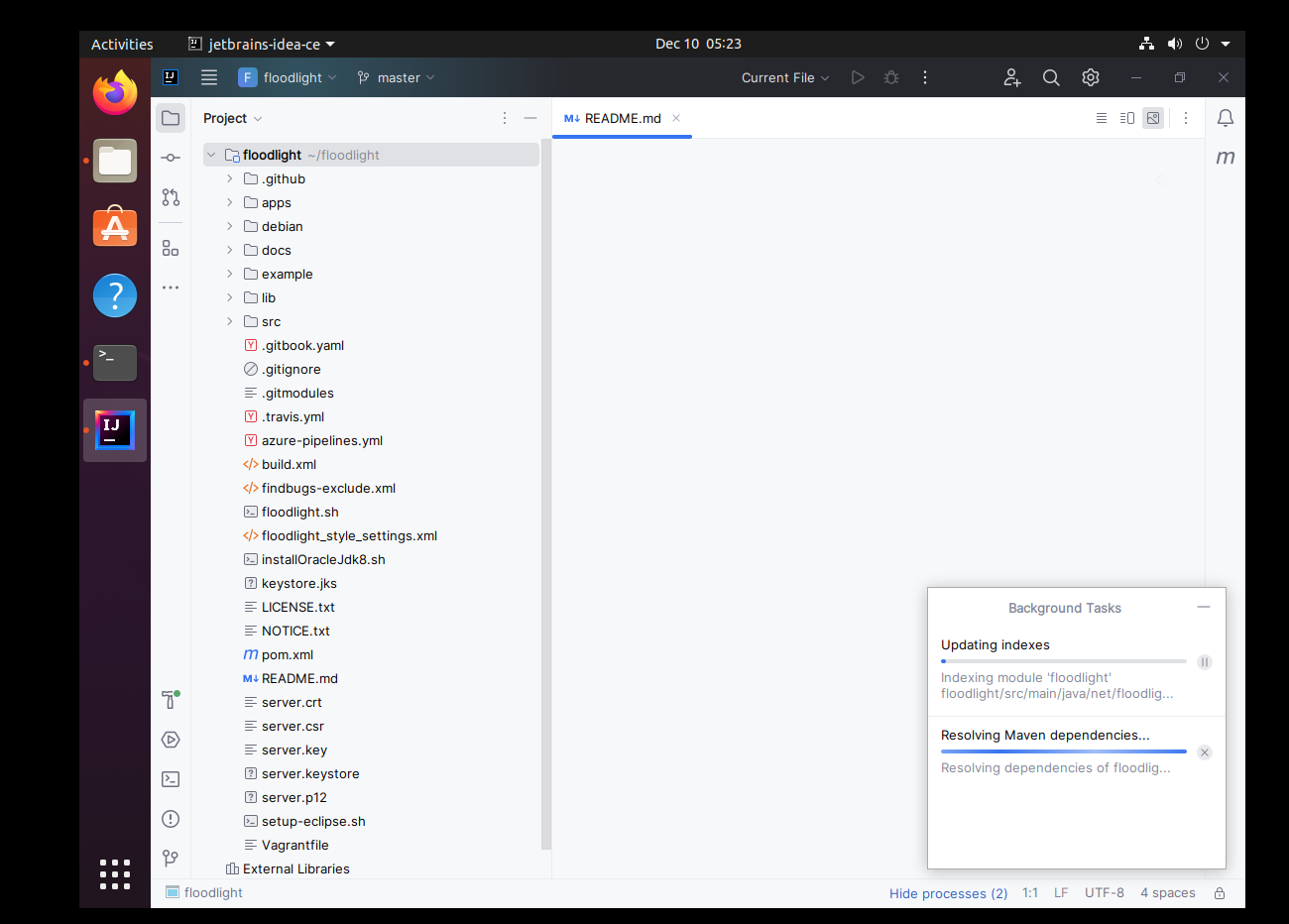
等待同步
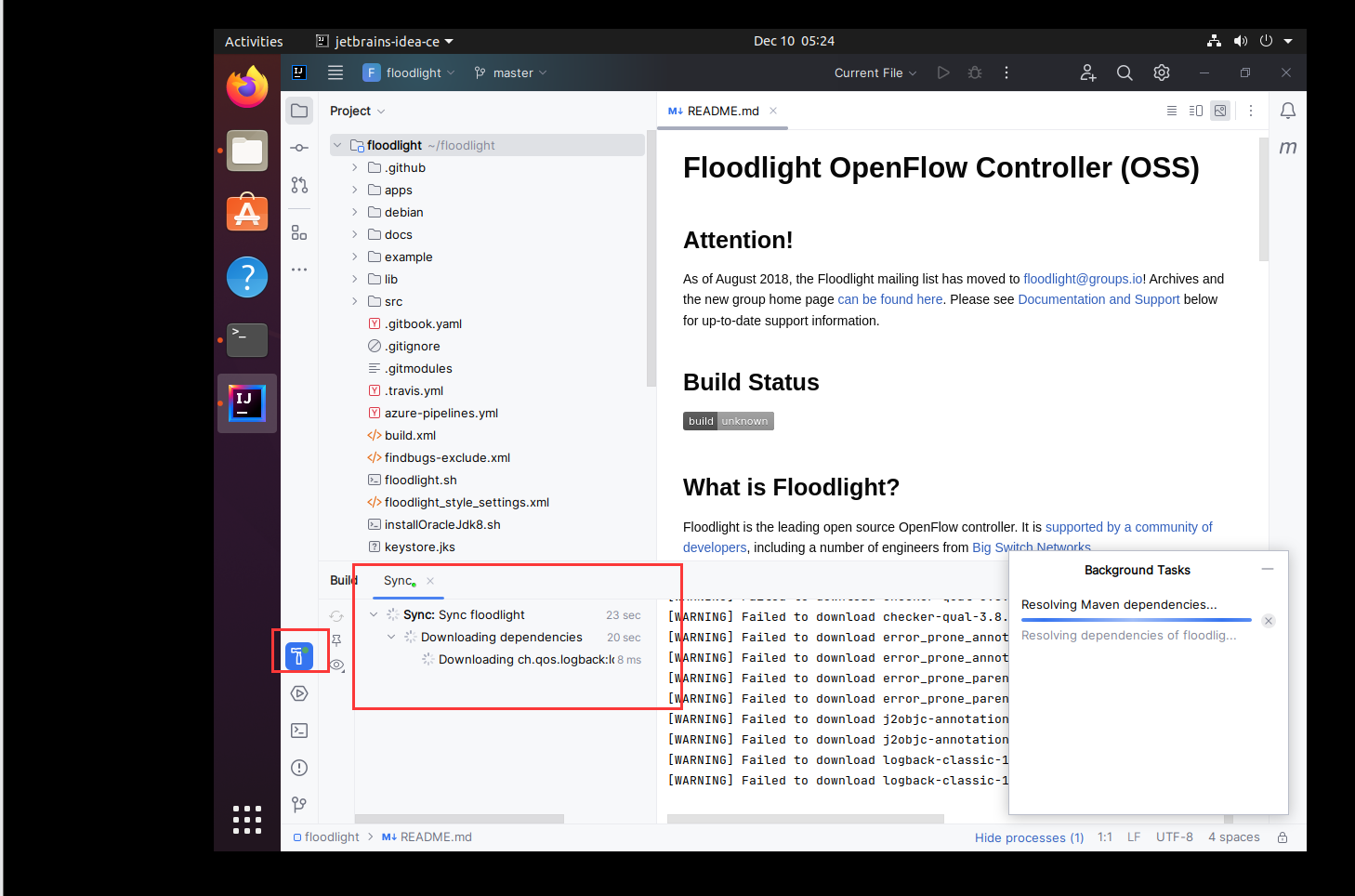
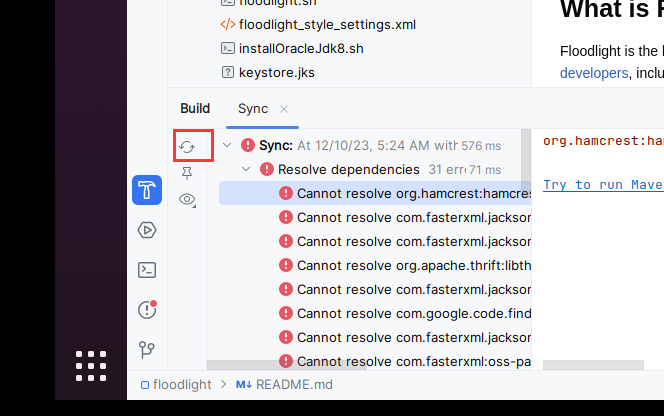
选择JDK
-
先点构建
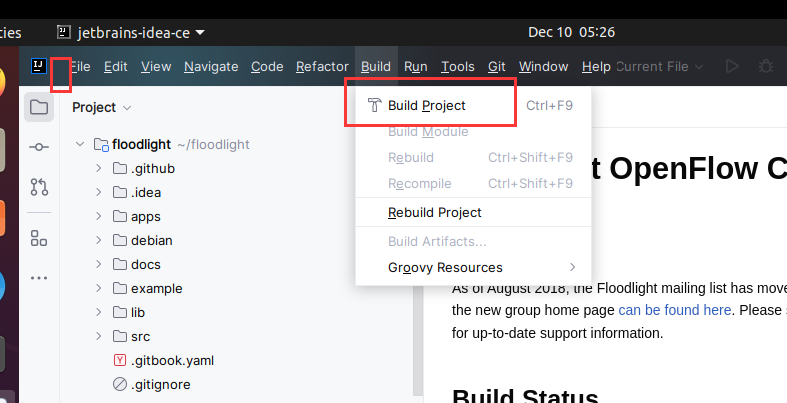
-
下载JDK
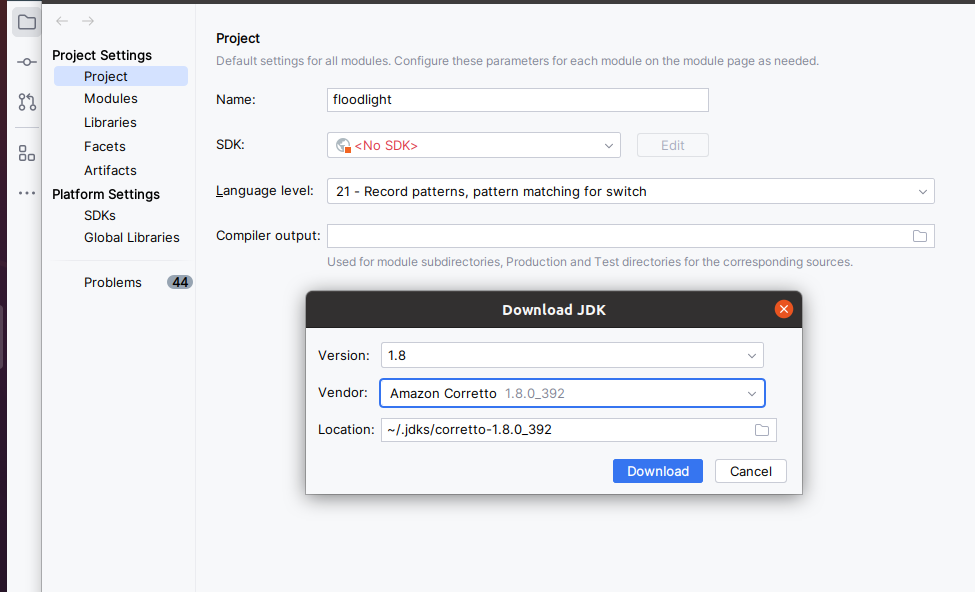
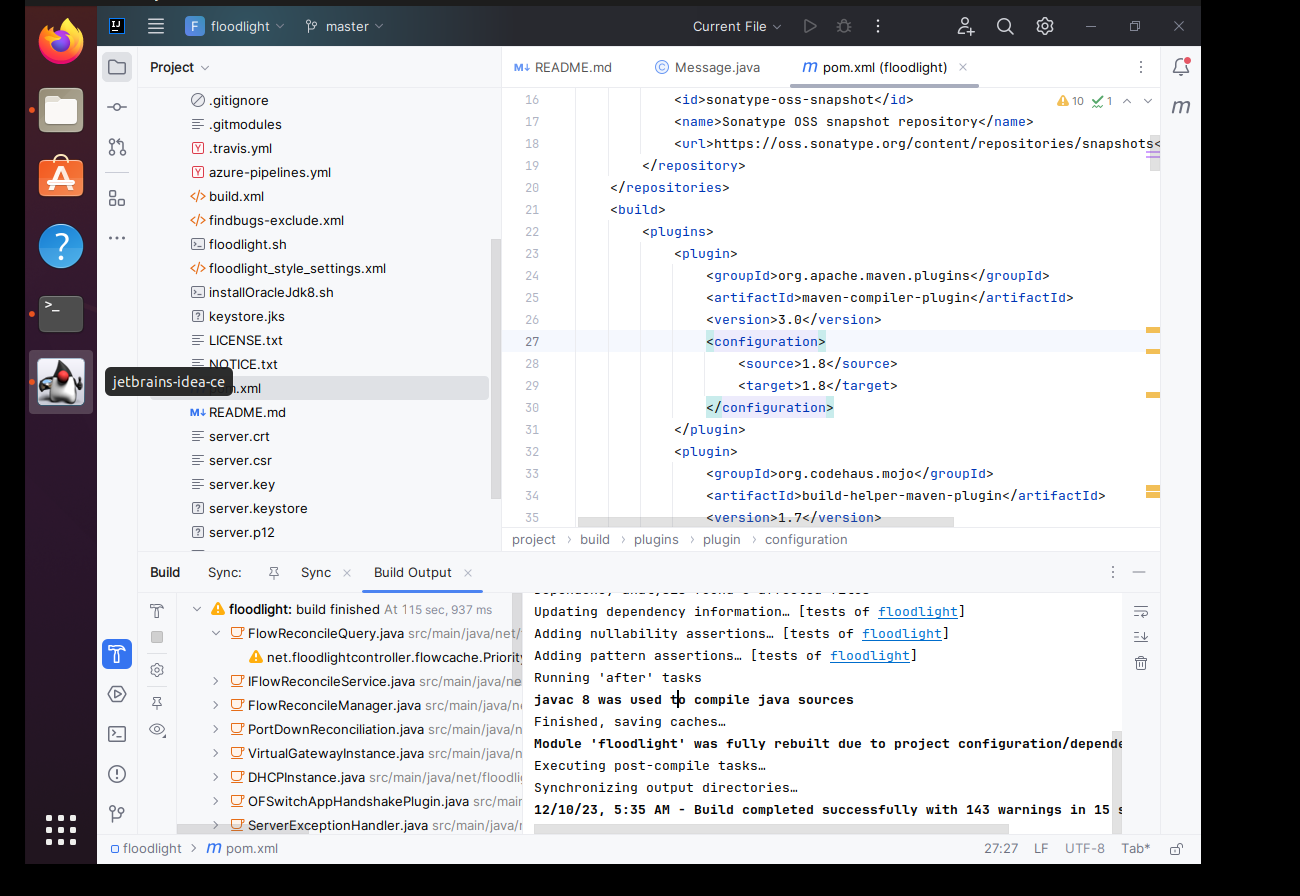
- 然后再构建
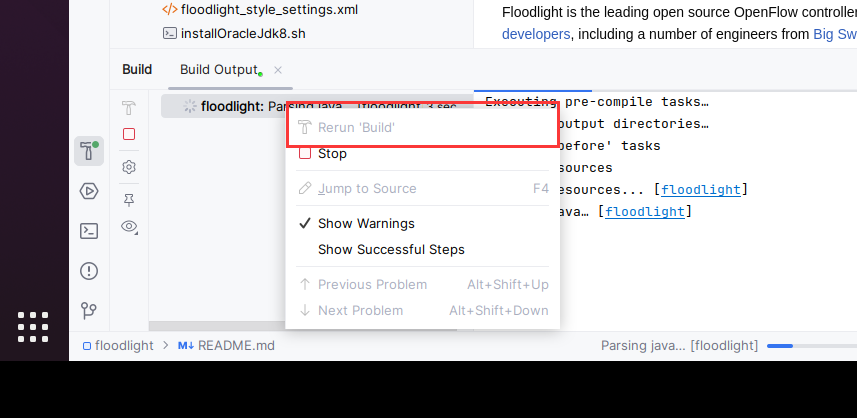
- 如果出错:
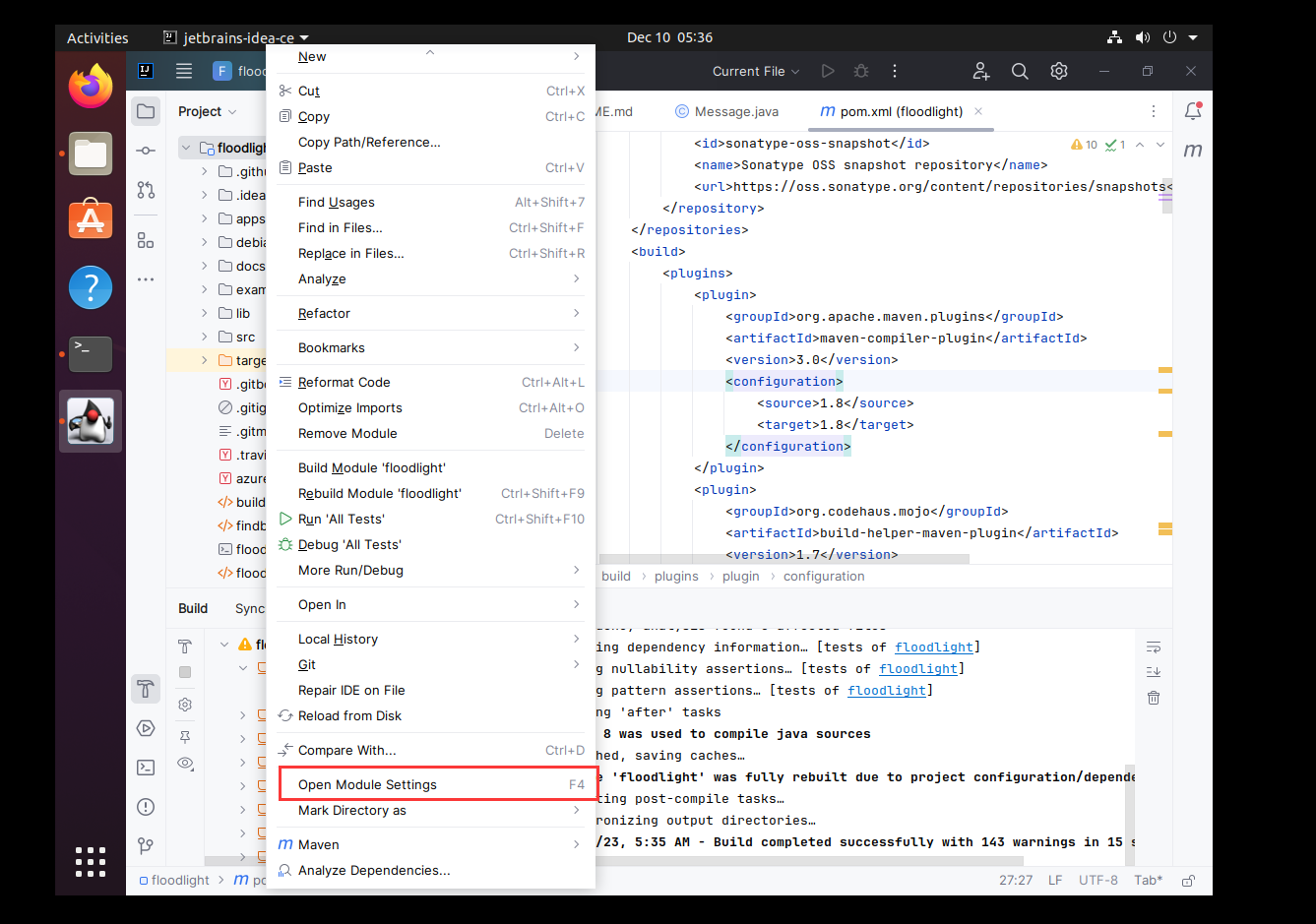
进入
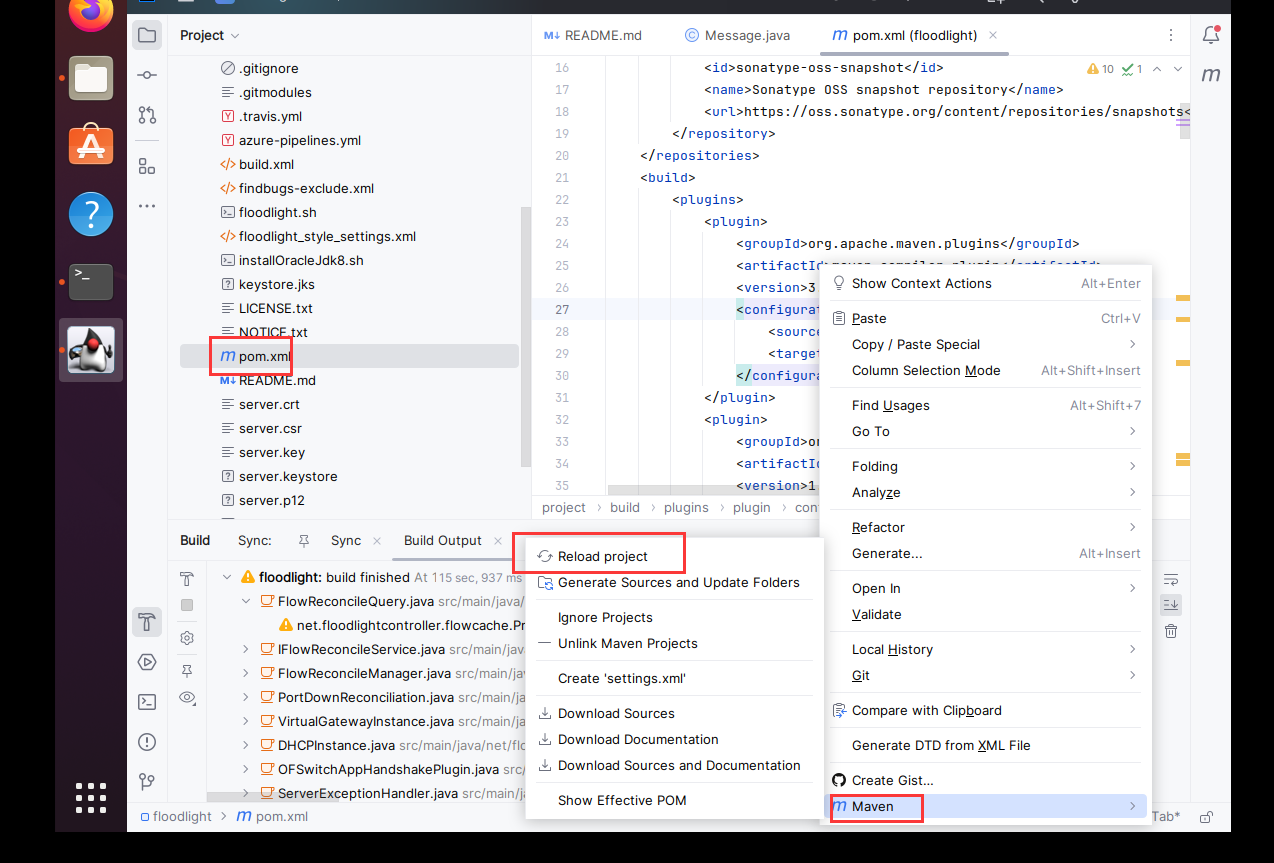
- 再build
构建JAR包
- 点这个
- 点这个
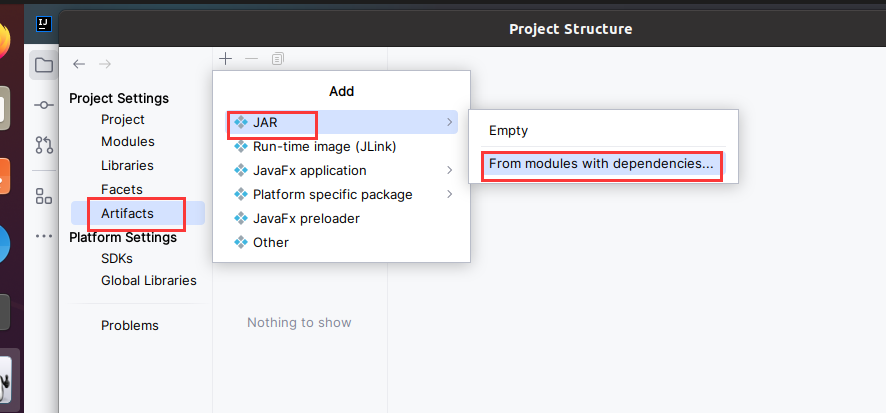
- 点这个
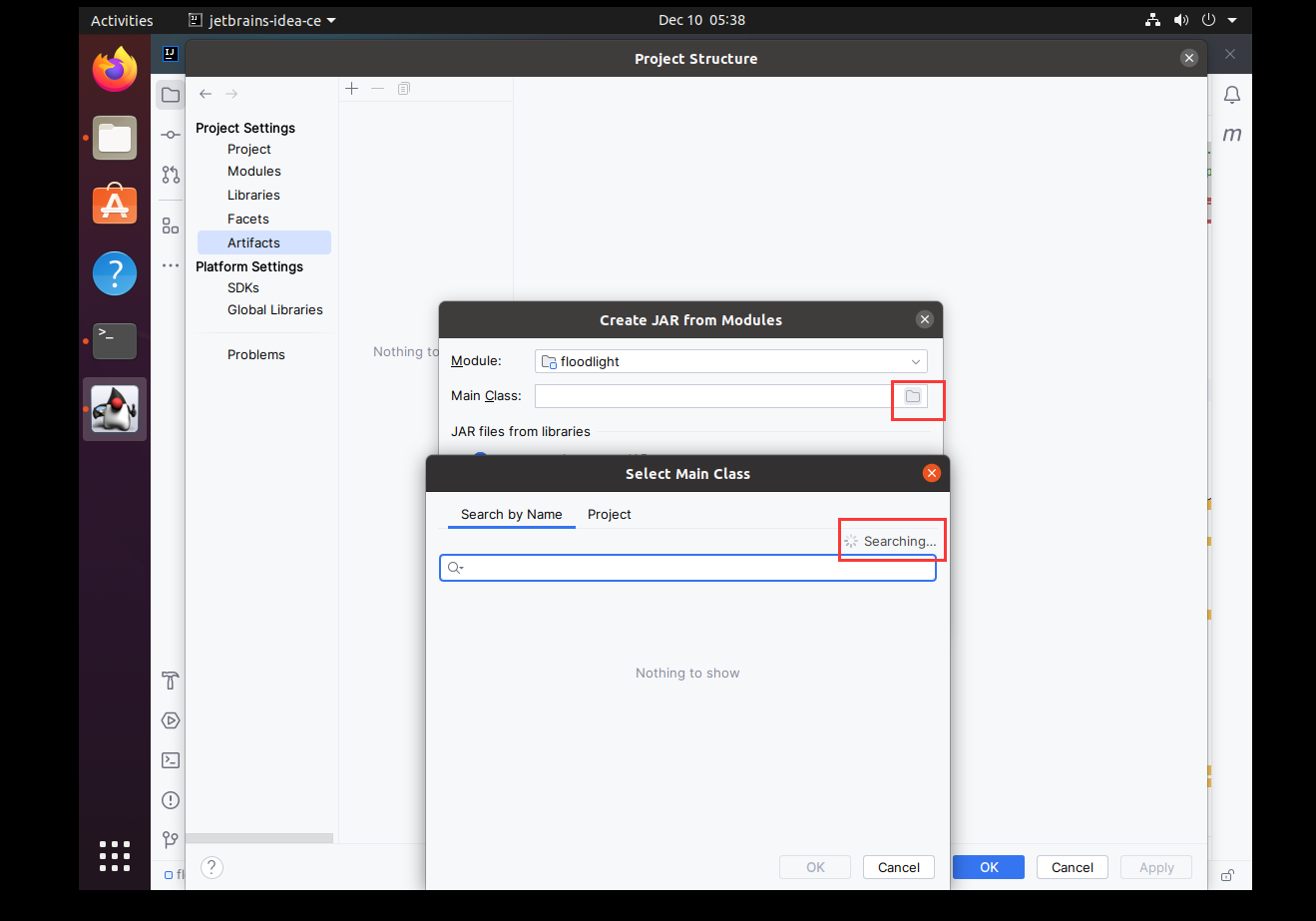
- 点这个
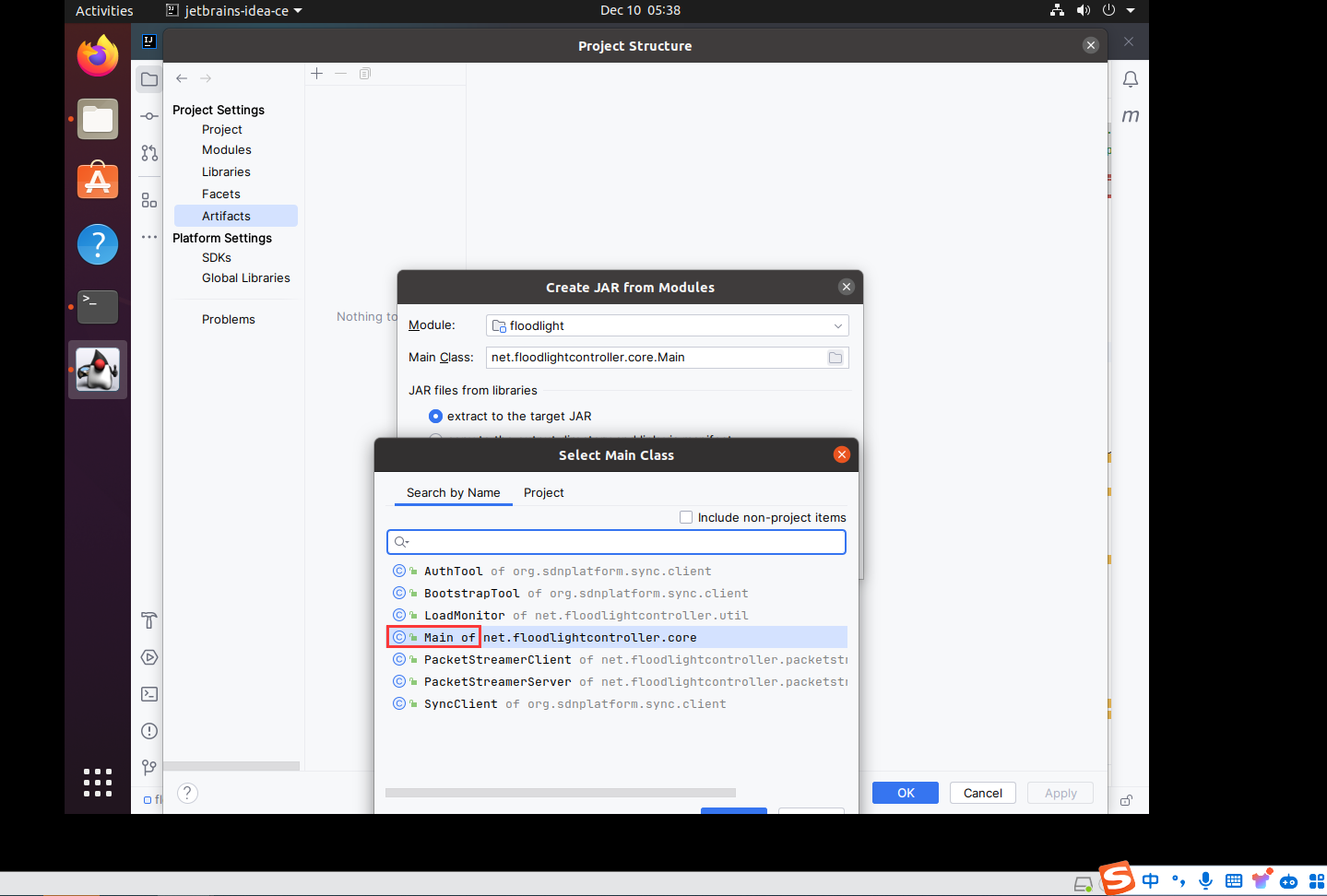
- 点这个
先APPLY
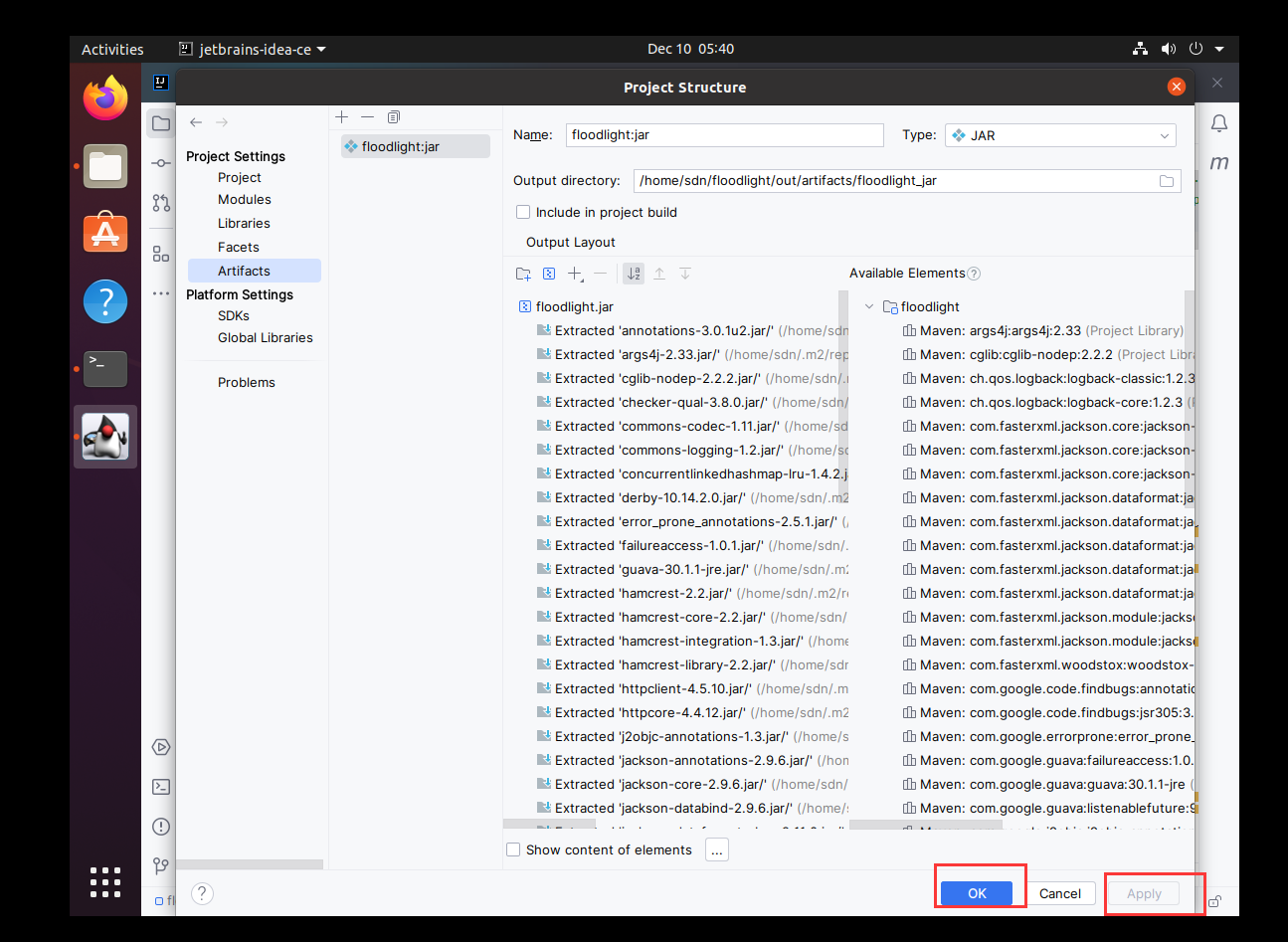
- 构建:
Rebuild module
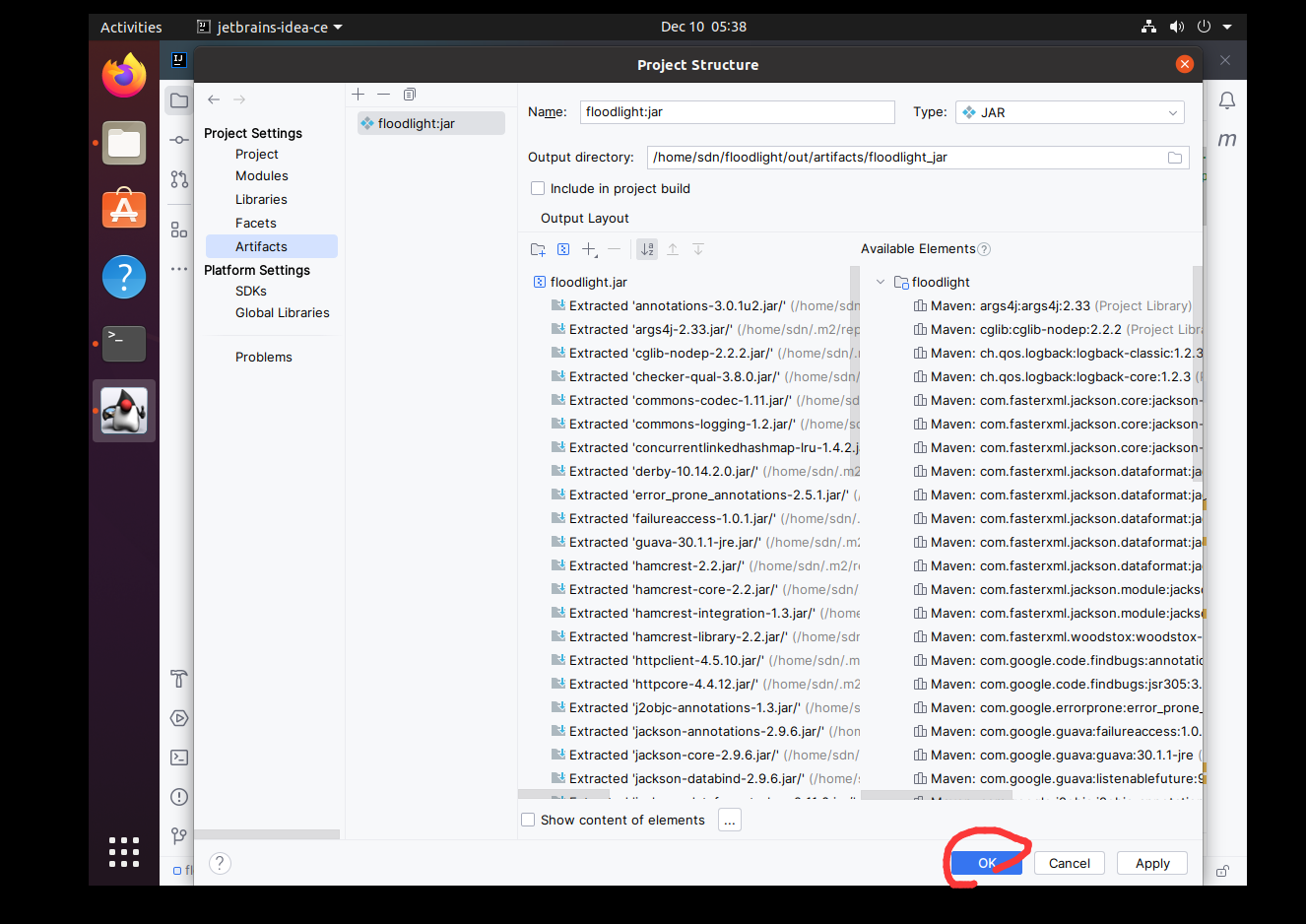
- BUILD
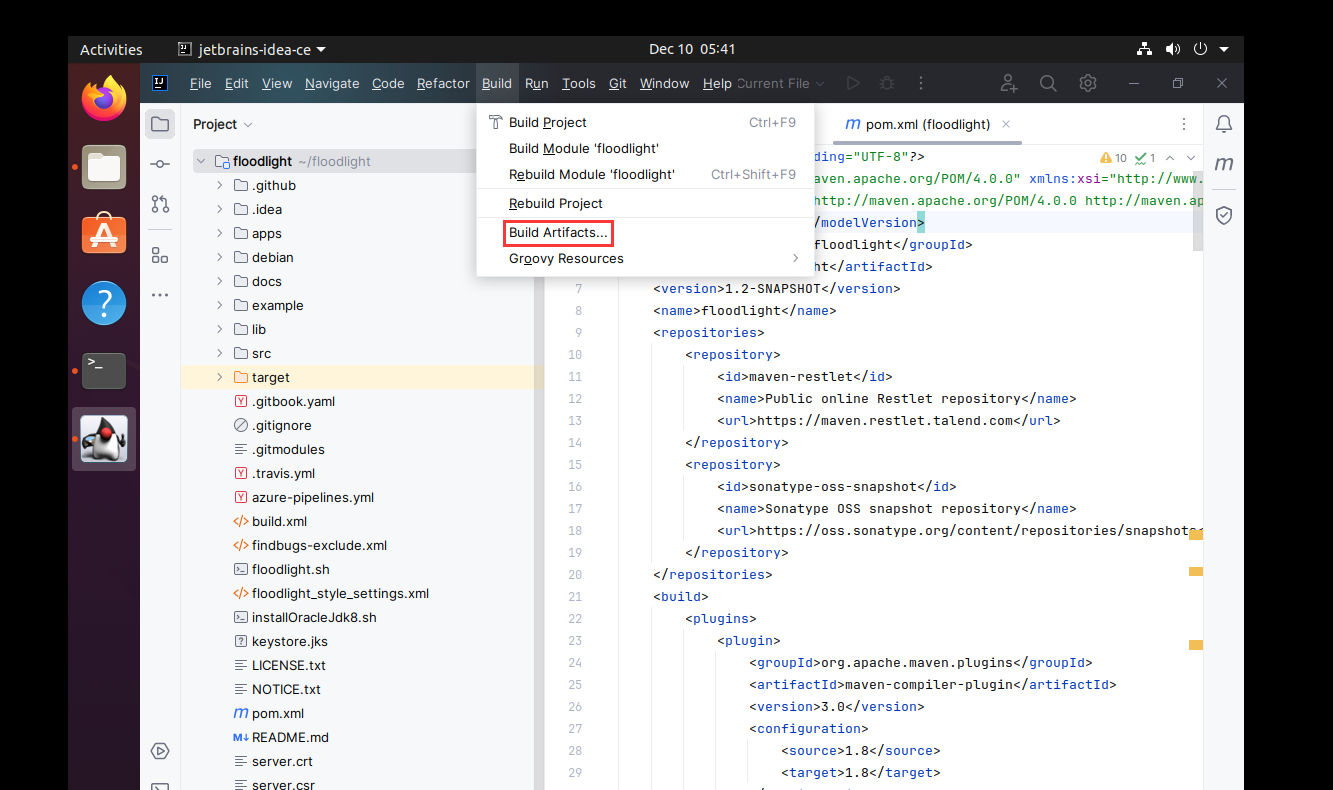
- build
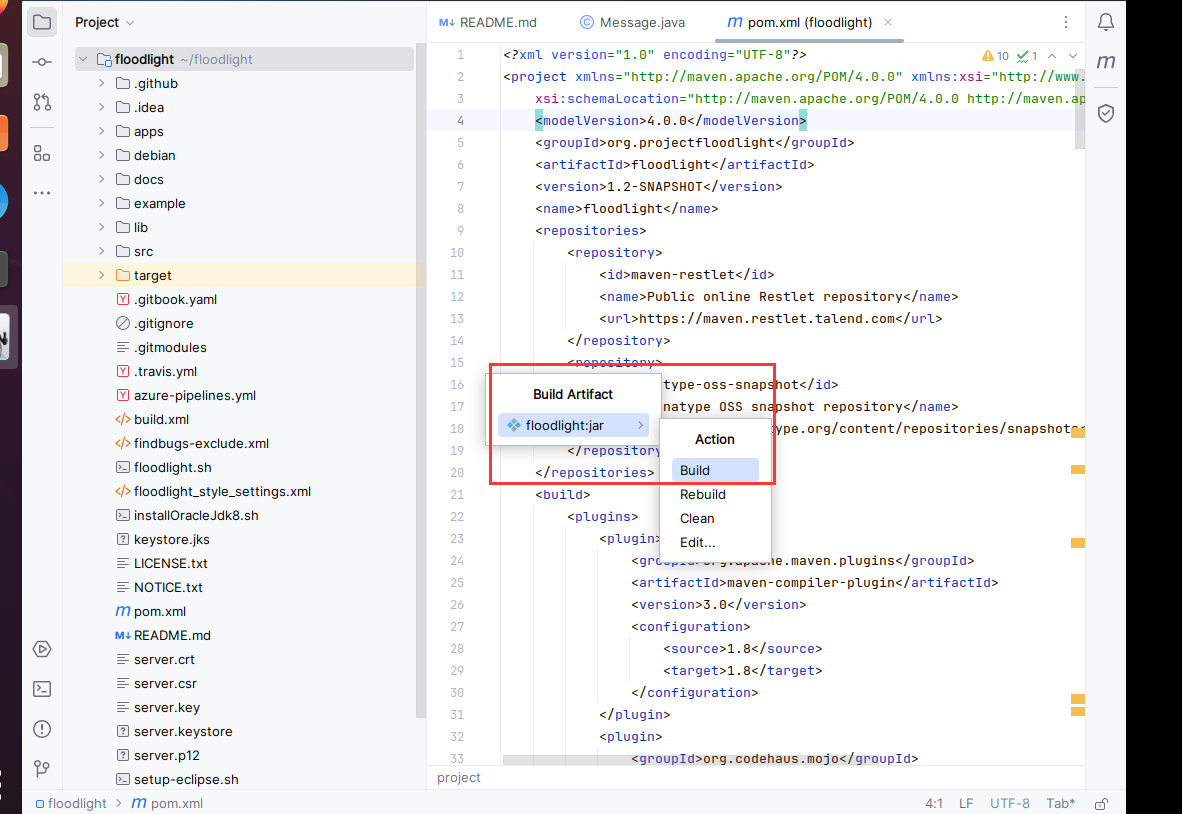
- build
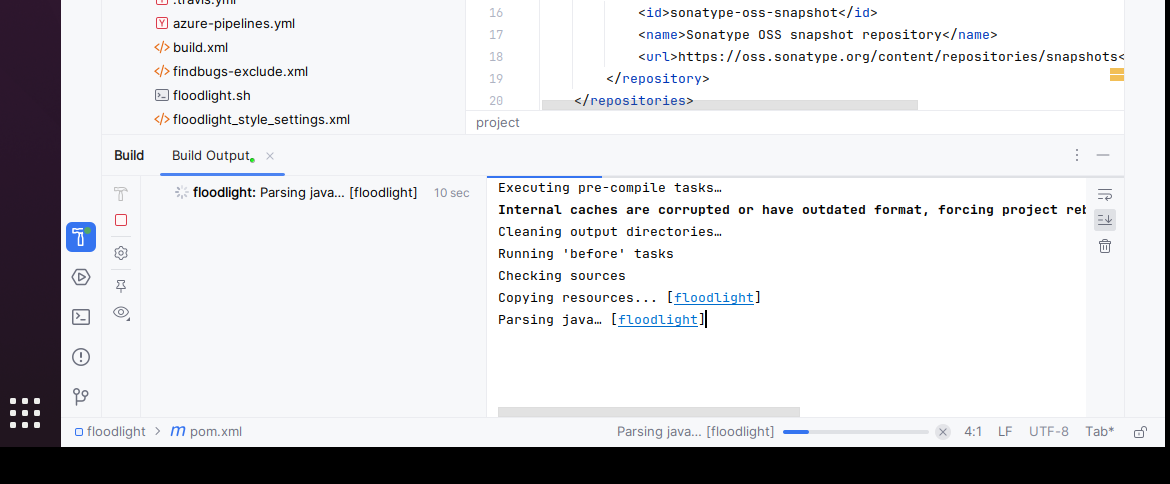
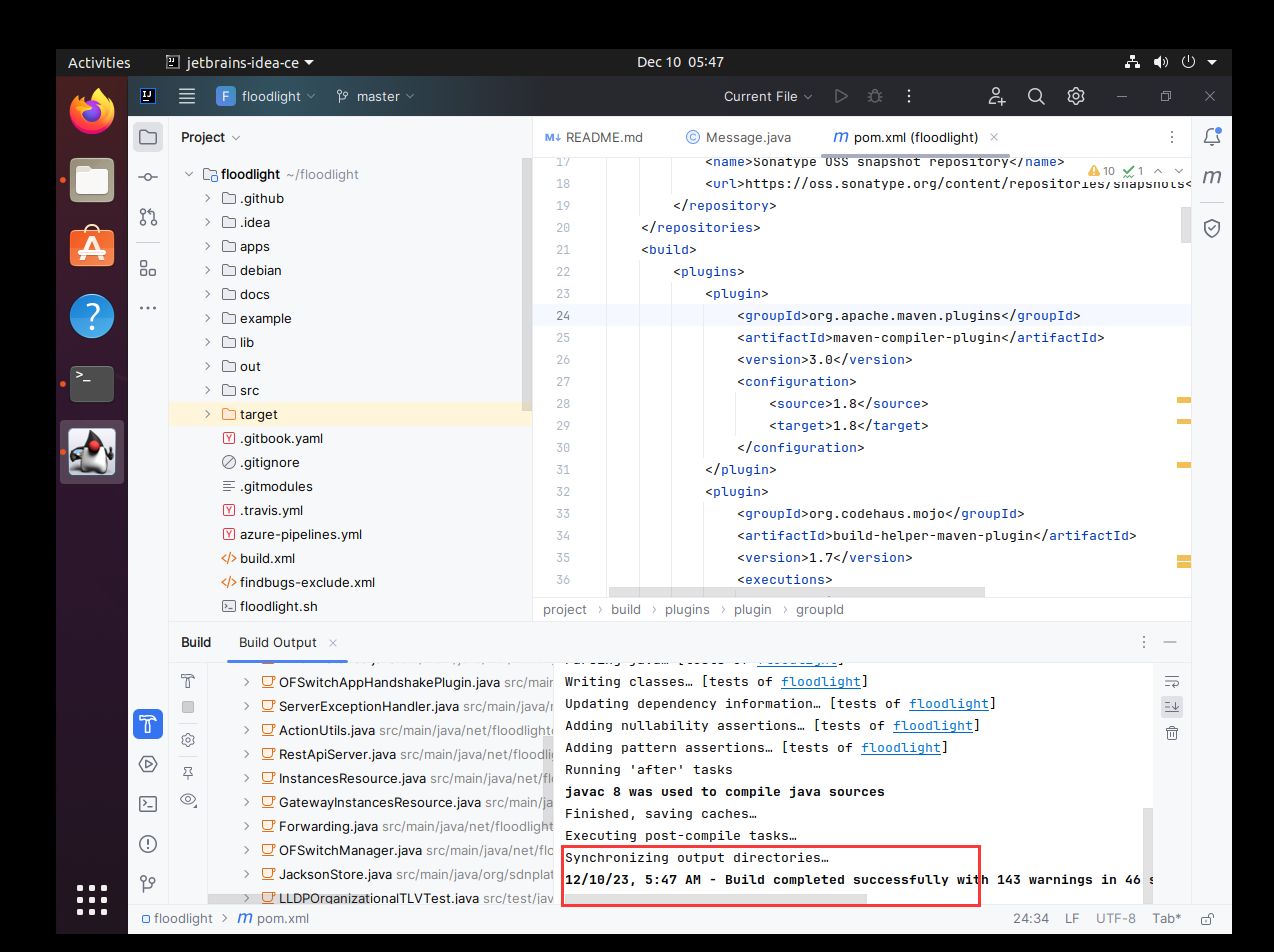
- 然后这样就成功了(如果失败了尝试多给虚拟机开3G内存)
启动
cd floodlight/
java -jar ./out/artifacts/floodlight_jar/floodlight.jar
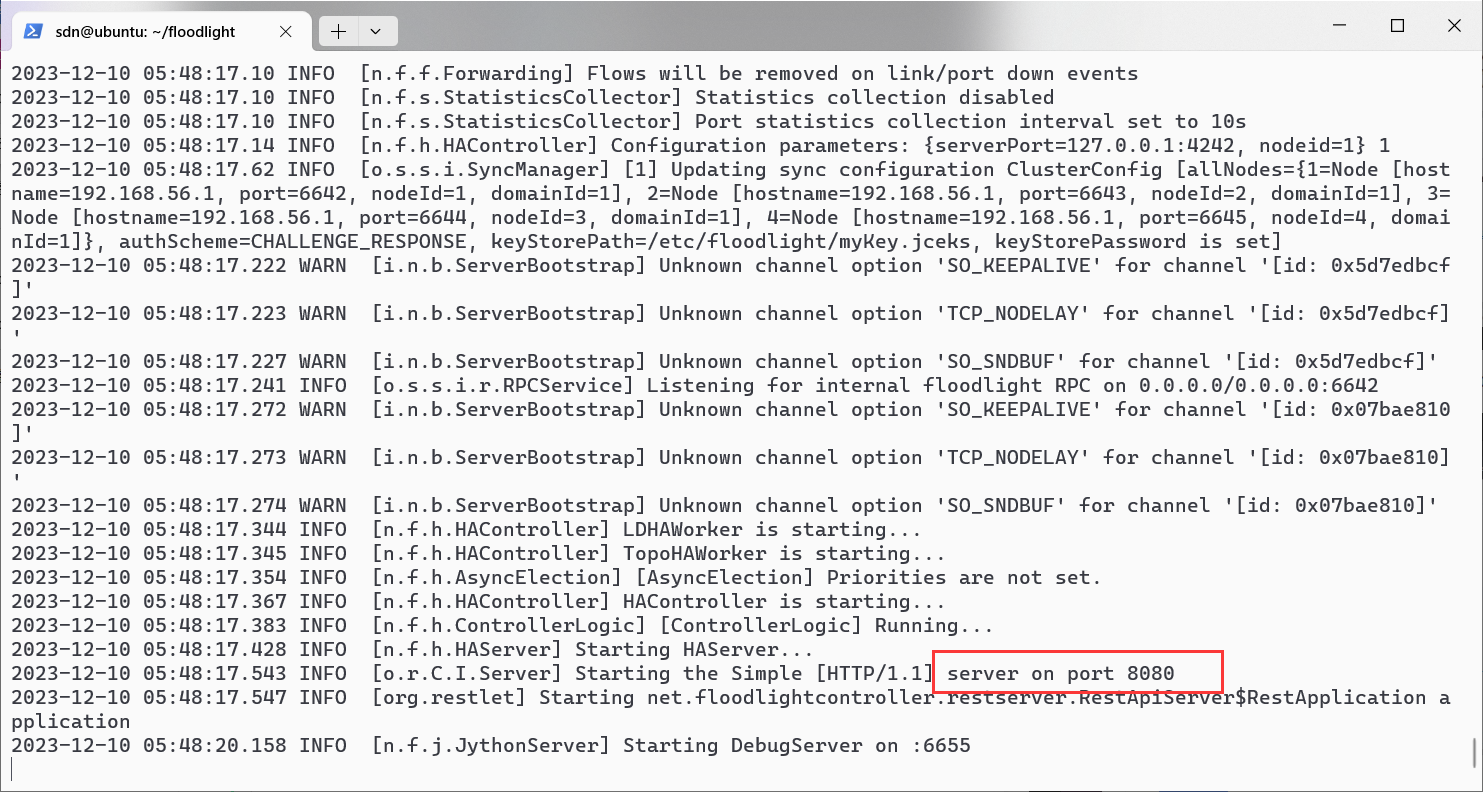
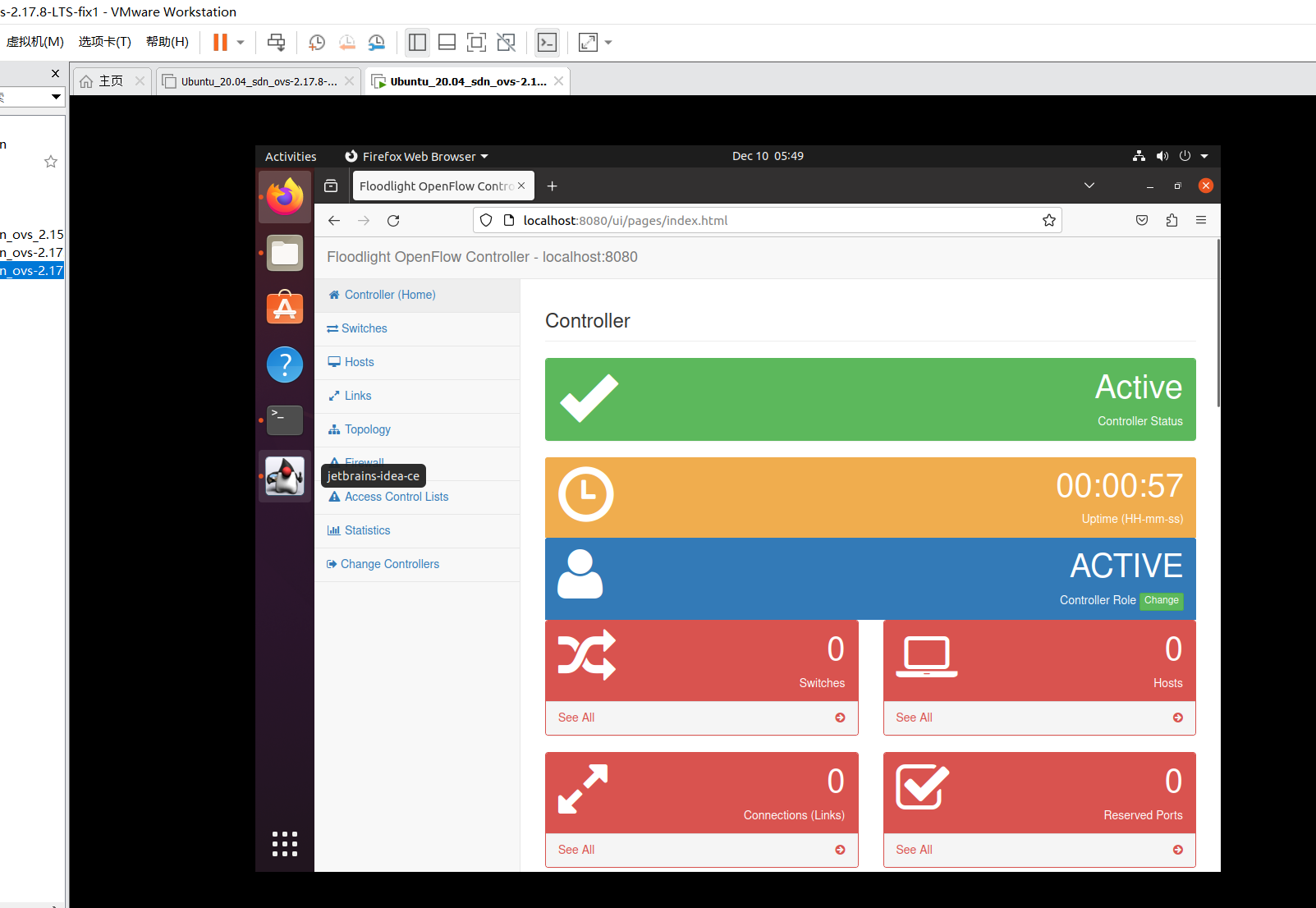
然后去网页:
http://localhost:8080/ui/pages/index.html
Docker image
su
apt install docker-compose -y
docker pull latarc/floodlight
docker run -it --rm latarc/floodlight
其实我觉得爽的事情,就是,不用动脑子,挂网.(这个镜像)
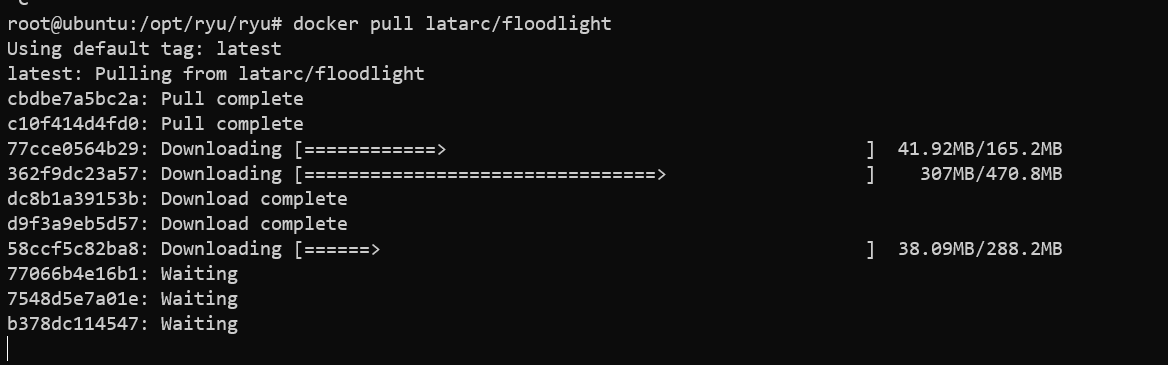
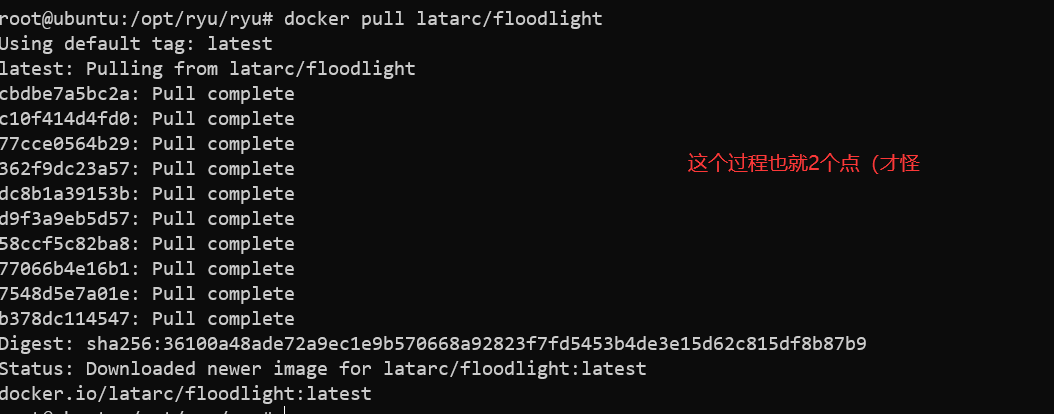
这里就Docker image成功了(很遗憾) 就用着这个方法
docker run -it -p 8080:8080 -p 6653:6653 --rm latarc/floodlight

# 8080:8080
# 主机: 容器
#如果需要更多端口或者换端口
OVO
# 另外一个终端
sudo mn --topo single,4 --controller remote,ip=127.0.0.1,port=6653
http://localhost:8080/ui/pages/index.html
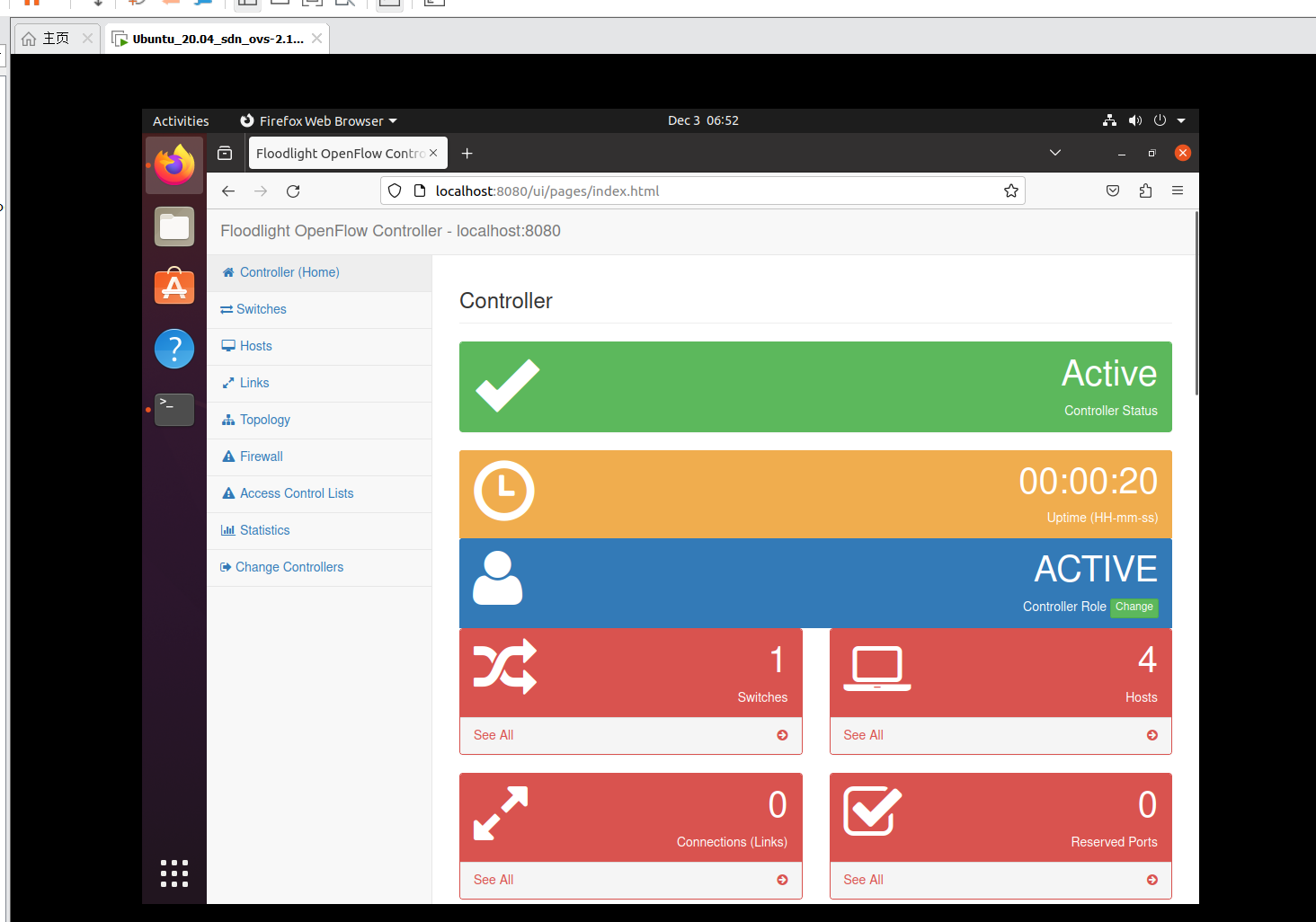
安装floodlight
失败了
#失败了
sudo apt-get autoremove openjdk-11-jre-headless -y
sudo apt-get install openjdk-8-jdk -y
mkdir -pv ~/sdn/floodlight
cd ~/sdn/floodlight
git clone https://github.com/floodlight/floodlight.git
cd ~/sdn/floodlight/floodlight
git pull origin master
git submodule init
git submodule update
sudo apt-get install maven python-dev -y
sudo apt-get install build-essential -y
sudo apt install ant -y
ant
sudo mkdir /var/lib/floodlight
sudo chmod 777 /var/lib/floodlight
sudo apt-get install openjfx
Docker build
失败了
docker run -it -v ./floodlight_docker:/app ubuntu:16.04 bash
sed -i 's@//.*archive.ubuntu.com@//mirrors.ustc.edu.cn@g' /etc/apt/sources.list
apt update
apt install sudo -y
cd /app
sudo apt-get install build-essential ant maven python-dev openjfx -y

apt install openjdk-8-jdk git
git clone https://github.com/floodlight/floodlight.git
cd floodlight
git submodule init
git submodule update